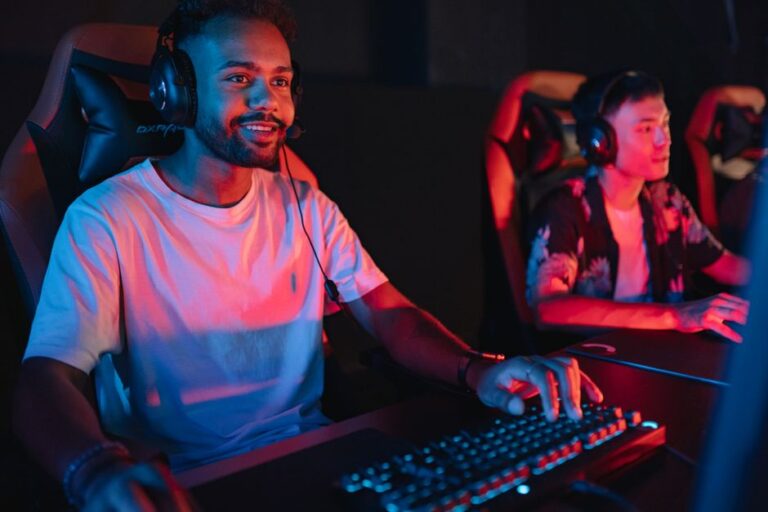
In the ever-evolving world of gaming, having the right hardware can make a significant difference in performance and experience. For enthusiasts and casual gamers alike, building a custom gaming PC can be both an exciting and rewarding project. This article will delve into the essential components, considerations, and tips for creating the ultimate gaming rig tailored to your needs.
Understanding Your Gaming Needs
Before diving into the world of components, it is crucial to assess your gaming needs. Are you a casual gamer who enjoys light titles, or are you seeking to play the latest AAA games at ultra settings? Understanding your requirements will help guide your component choices. For example, a gamer focused on competitive titles may prioritize a high refresh rate monitor and a powerful GPU, while someone interested in immersive RPGs might focus on a robust CPU and large storage options.
Consider also the games you intend to play. Checking the recommended specifications for these games can provide insight into the necessary hardware. For instance, games like Cyberpunk 2077 demand higher performance components than simpler indie games. This assessment phase is not just about current needs; it’s also about future-proofing your setup to handle upcoming titles.
Choosing the Right Components
The core of your gaming PC consists of several key components: the CPU, GPU, RAM, storage, and motherboard. Each plays a critical role in overall performance.
The CPU, or central processing unit, is often referred to as the brain of your PC. For gaming, a multi-core processor from brands like Intel or AMD is essential. Look for models that balance performance with price, such as the AMD Ryzen 5 or Intel Core i5 series, which offer excellent performance for most gaming scenarios.
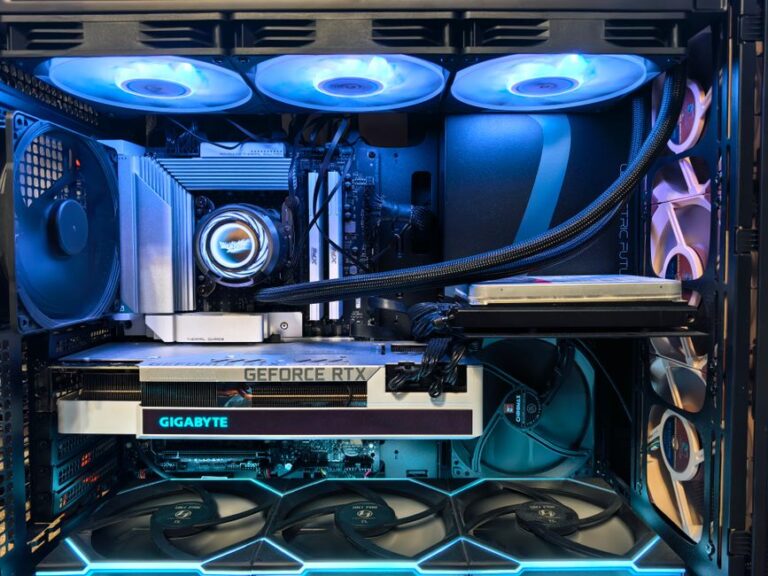
The GPU, or graphics processing unit, is equally vital. This component handles rendering graphics and is crucial for achieving high frame rates and resolutions. Nvidia’s GeForce RTX and AMD’s Radeon RX series are popular choices among gamers. When selecting a GPU, consider the resolution at which you plan to game. For 1080p gaming, mid-range options will suffice, but for 1440p or 4K, a higher-end model is essential.
Assembling Your Gaming PC
Once you have gathered your components, the next step is assembly. This can be daunting for first-time builders, but numerous resources are available to guide you through the process. Websites, forums, and video tutorials can provide step-by-step instructions.
Start by preparing your workspace. Ensure you have a clean, static-free environment and all necessary tools at hand, such as screwdrivers and anti-static wrist straps. Begin with installing the CPU and RAM on the motherboard before placing it into the case. This approach can simplify the process and reduce the risk of damaging components.
After securing the motherboard, install the GPU and connect the power supply. Ensure all cables are properly managed to promote airflow and aesthetics. Finally, install your storage drives, ensuring they are securely mounted and connected. Once everything is in place, it’s time to power on your PC and install the operating system.
Optimizing Your Gaming Experience
Once your gaming PC is up and running, optimizing it for peak performance is essential. This includes installing the latest drivers for your GPU and other components, which can significantly improve performance and stability.
Consider tweaking settings in your games to achieve the best balance between graphics quality and frame rate. Utilizing tools like Nvidia GeForce Experience can help automatically optimize game settings based on your hardware. Additionally, overclocking your CPU or GPU can provide performance boosts, but proceed with caution to avoid overheating and stability issues.
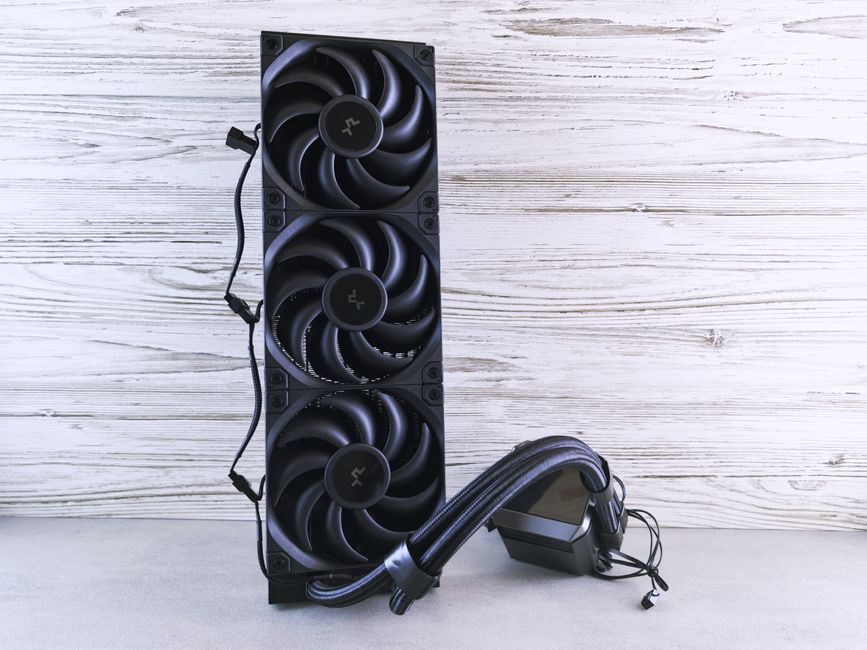
Lastly, keeping your system clean and organized is crucial. Regularly check for dust accumulation and ensure proper cooling to maintain optimal performance. Investing in cooling solutions, such as additional case fans or a liquid cooling system, can enhance longevity and efficiency.
Finding Resources and Support
Building a gaming PC can be a complex task, and seeking help is perfectly normal. Online communities and forums are invaluable resources where you can ask questions, share experiences, and gain insights from seasoned builders. Websites dedicated to PC parts, like gaming PC builder, allow you to compare components and find the best deals.
Moreover, many YouTube channels focus on PC building, offering visual guides and tips that can be incredibly helpful. Engaging with these communities can also offer reassurance and encouragement as you embark on your building journey.
Conclusion
Building your own gaming PC can be a fulfilling experience, offering the chance to customize your setup to perfectly match your gaming needs. By understanding your requirements, selecting the right components, and carefully assembling your rig, you set yourself up for an incredible gaming experience. Remember to optimize and maintain your system for the best performance. With the right knowledge and resources, anyone can embark on the journey of becoming a gaming PC builder.
About the Author